Rehearsal Wrangler
Getting started
Three things to do once, and then you’re set up. Budget ten minutes. The last part — telling the band when you can’t make it — is the one you’ll keep using.
Get in
~3 minFind the invitation email. The subject is Join <band name> on Rehearsal Wrangler. Open the link in it.
Invitations expire after 14 days. If yours has, ask for another.
You’ll be asked to sign in first. Enter the same email address the invitation was sent to and ask for a link.
A different address won’t work — the invitation is tied to the one it was sent to.
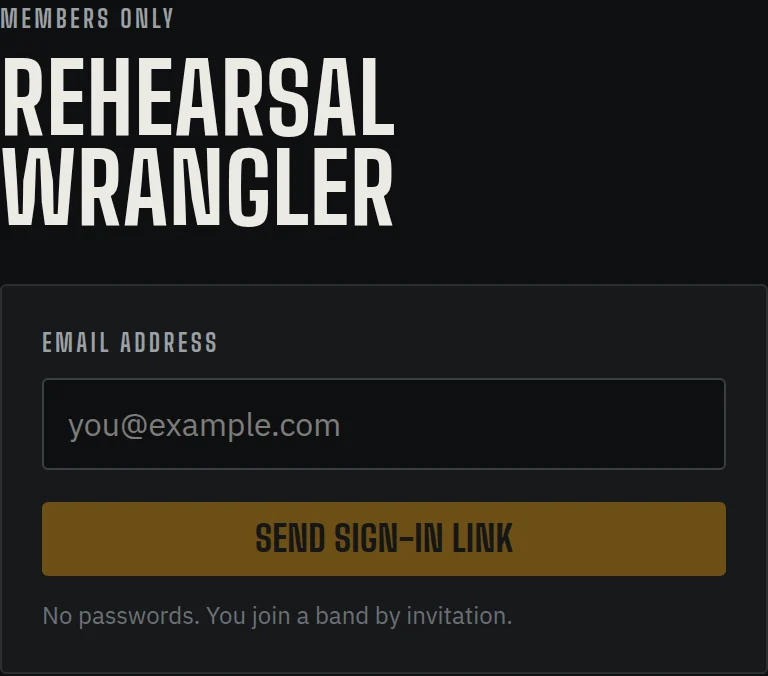
The sign-in screen. One field, no password. Open the second email, subject Sign in to Rehearsal Wrangler, and press Confirm sign-in.
That link works once and expires after 15 minutes. Just ask for a new one if it lapses.
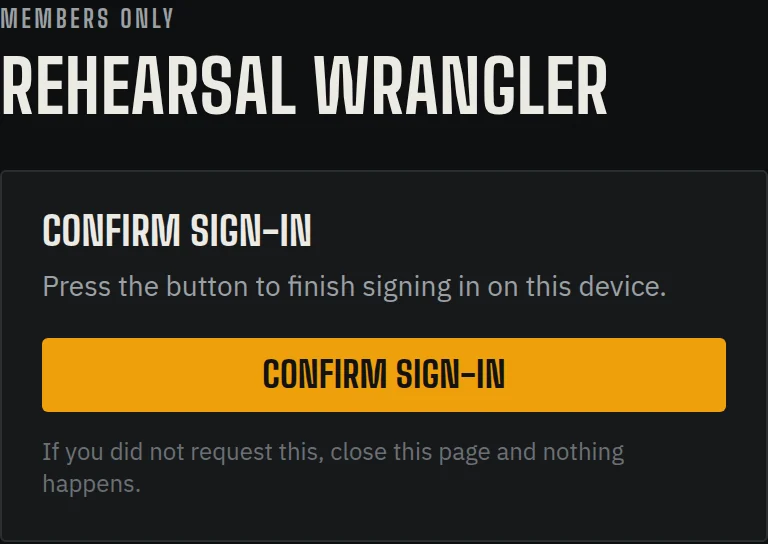
The second email lands you here. Press the button and you’re in. You land back on the invitation. Accept it, and you’re in the band.
There is no password, ever. Every sign-in works this way: you ask, you get an email, you press the button. Nothing to remember and nothing to lose.
Check spam the first time. After that it should land in your inbox.
Fill in your profile
~4 minOpen Your profile from the menu on the left — or You at the top of the screen on a phone.
Set your Display name and pick an Avatar colour.
The colour matters more than it sounds: your initials in that colour are how you show up everywhere else in the app.
Set your Timezone. Bio and Home city are optional.
Under Instruments, tick everything you play — not just your main one — then mark one as your first call.
This is what the band uses to work out who could cover a part. Being listed on something doesn’t commit you to it.
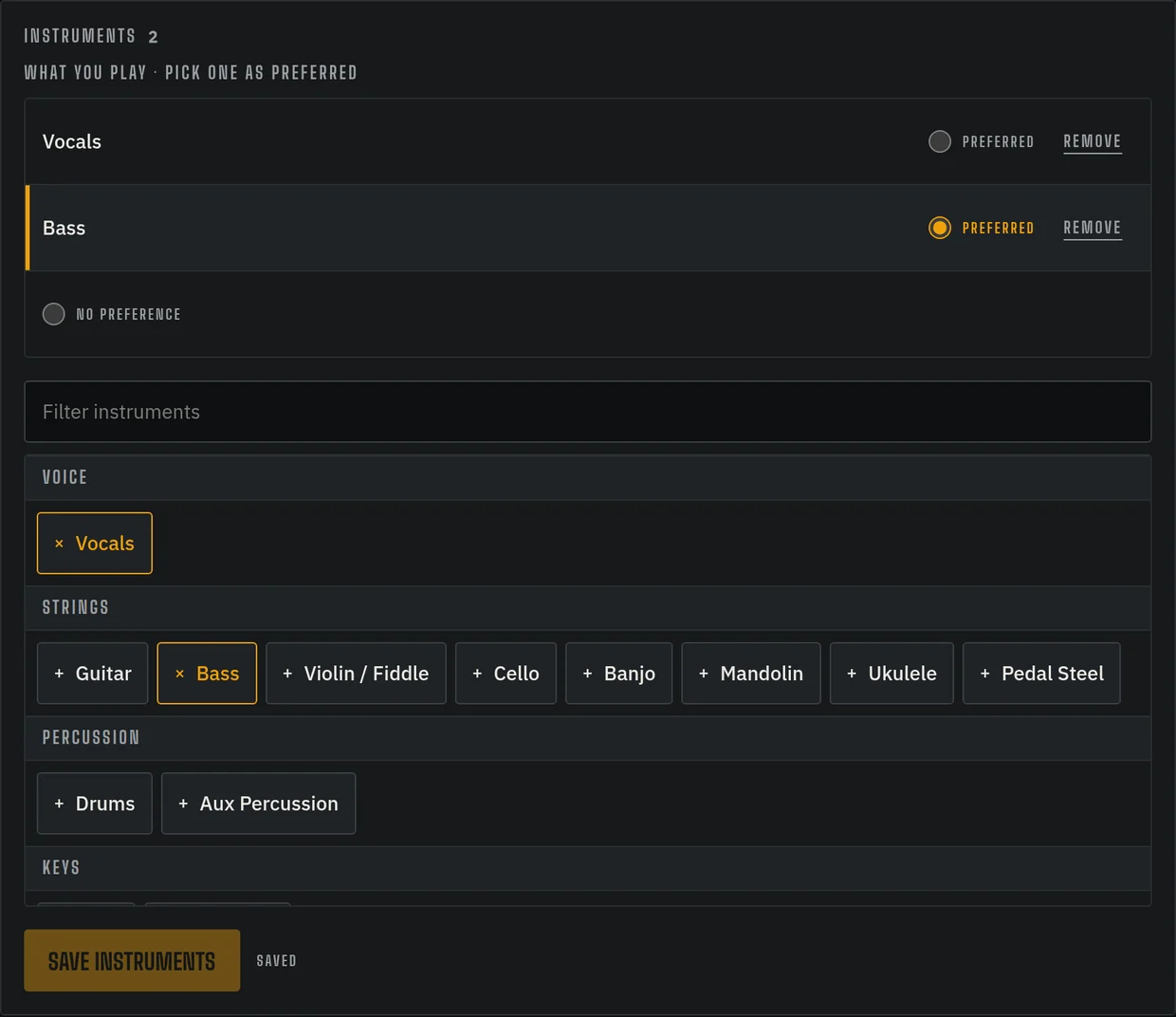
Two instruments picked, bass marked as first call. Add a few songs to Songs I know.
Start typing and pick from the list. If it’s not there, the lookup finds it and fills in the real title, artist and length for you.
Add songs you’d love to play to your Wishlist.
This one is private until you say otherwise. Nothing on your wishlist is in front of the band until you push it to the band wishlist, which is a separate step on the Wishlist page.
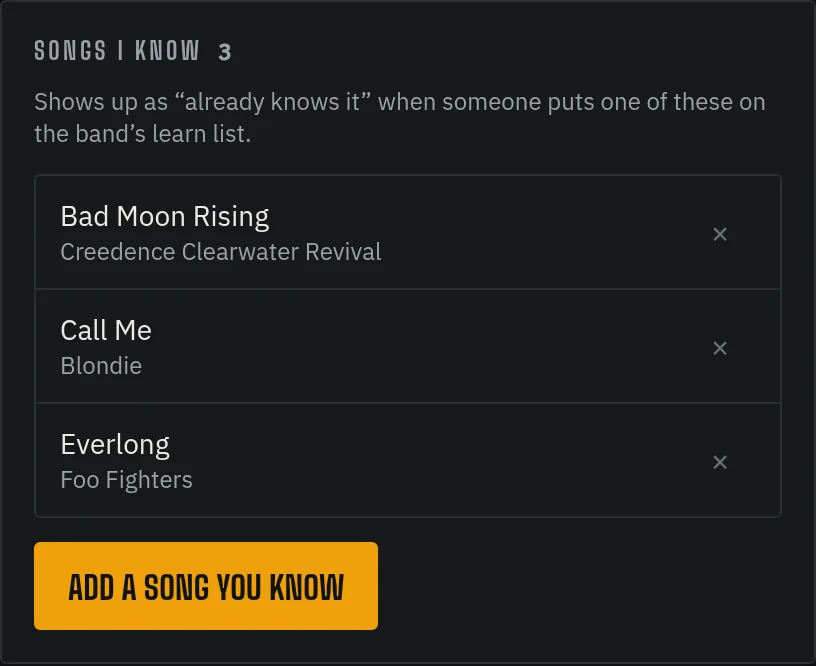
Your two song lists, side by side on the profile.
Say when you can’t make it
~2 minGo to Calendar. Under the month you’ll find Who is around — a grid with a row per person and a column per day. Your row is the only one you can change.
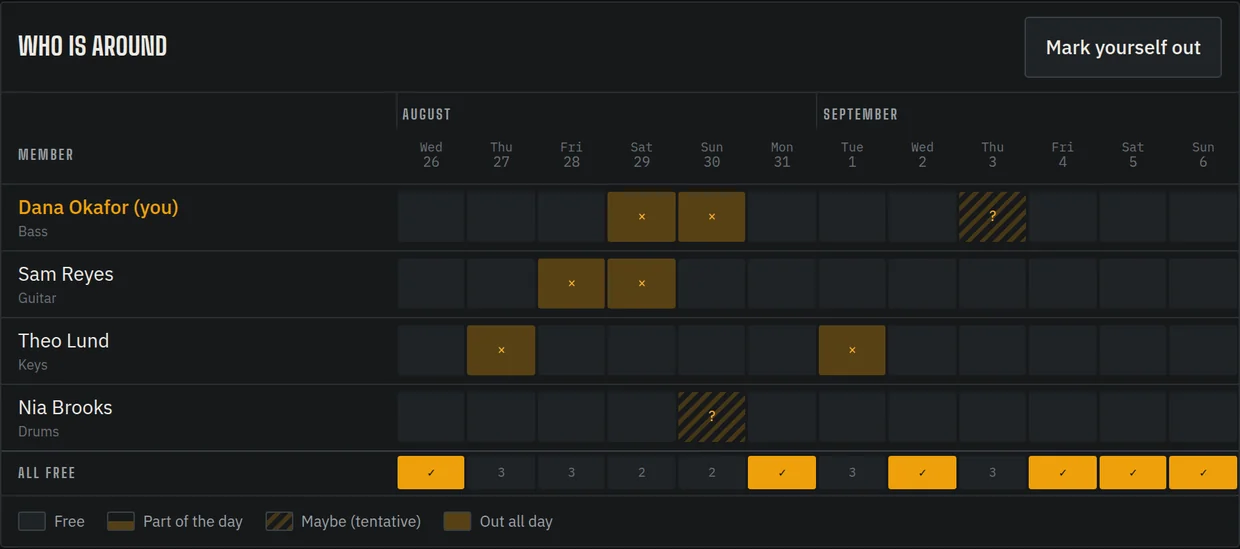
Clicking your own day cycles through four states
Four clicks always brings you back. You can’t get a day stuck in the wrong state, so tap freely — there’s nothing to undo.
When a whole day is too blunt
For specific times: long-press one of your days on a phone, or right-click it on a computer.
For a stretch of days: press Mark yourself out at the top of the grid. Set From and Until (inclusive), and give it a Reason (optional).
Add the reason. “Work trip” next to your name saves everyone five text messages.
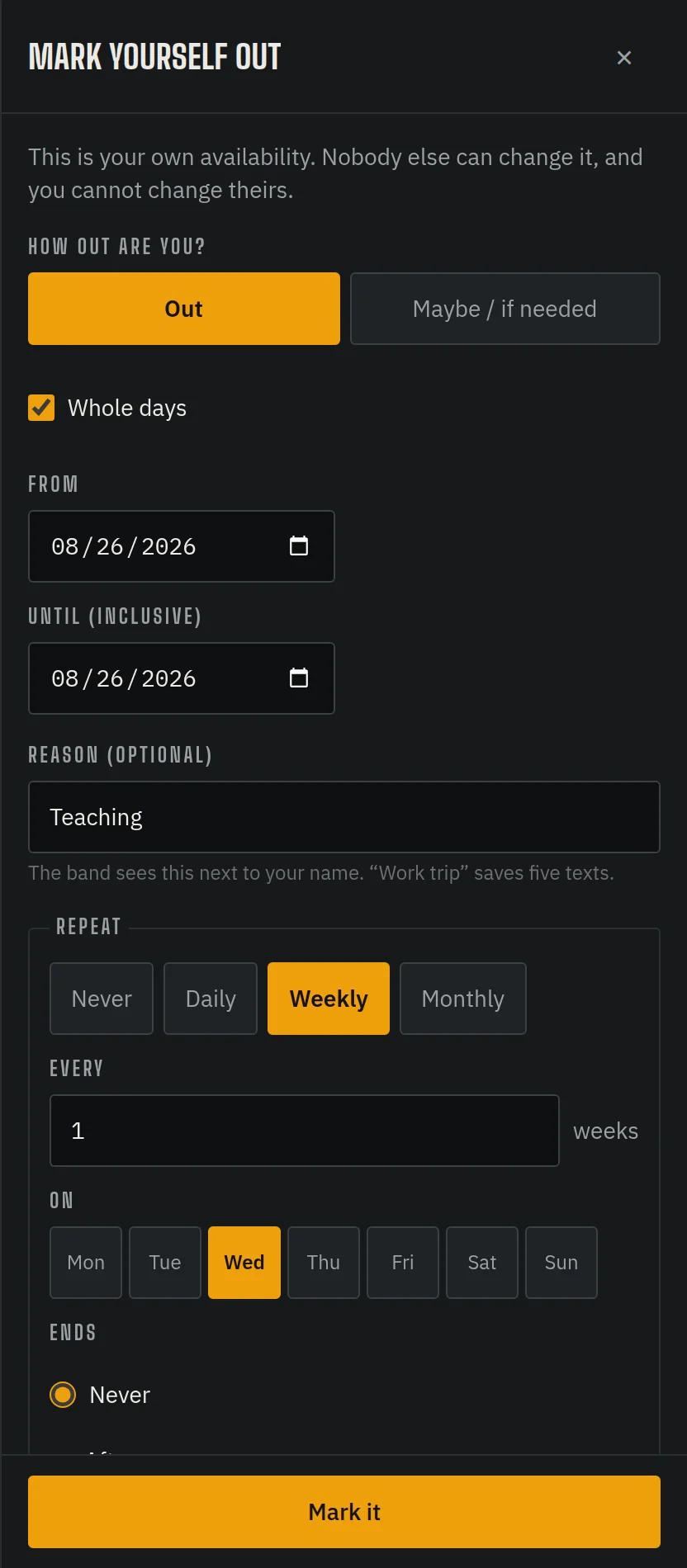
A stretch of days, with a reason — and set to repeat weekly. For something regular: in that same panel, set it to repeat — weekly, monthly, until a date you choose.
Teach every Tuesday evening? Say it once. If one week turns out fine, use Skip on that occurrence and the rest stay put.
One thing to know: blank means free. A day you never touch reads as “available”, so marking the days you’re out is the whole job.
Then, whenever you like
Setup is done. None of the below is homework — it’s just what’s there when you want it.
Rate the learn list
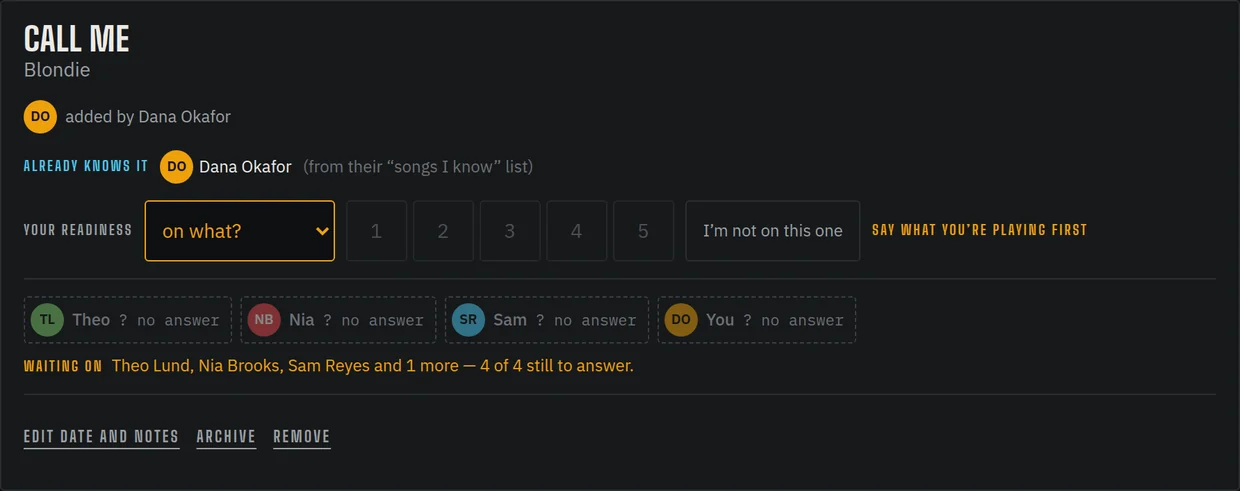
For each song the band is working on, say what you’re playing it on and how ready you are, 1 to 5. This is the one thing the band is actually waiting on you for — a song only goes READY when everyone has answered.
Rate something 4 or 5 and it files itself into your “Songs I know”.
Suggest a song
On the Wishlist page, push something from your own list in front of the band, or search for anything. Everyone can put an emoji on it.
Suggesting isn’t committing — an admin decides what actually reaches the learn list.
Claim a part
Open a rehearsal or gig and you’ll see the parts for each song. Empty ones are gaps the band still needs covered. Take one.
You can claim for yourself and hand it back later. Nobody else’s to move.
Answer a date
Say yes, no or maybe to anything on the calendar. Faster than being asked, and it saves the person organising it a round of texts.
Add to the calendar
You can put things on the shared calendar yourself — a gig worth going to watch, a week you’re away, whatever the band should know about.
Put it on your phone
At the bottom of the Calendar page there’s a subscribe link. Add it once and rehearsals and gigs show up in your normal calendar app.
Penciled-in dates come through as tentative, so a date being settled looks different from one that is.